Offline

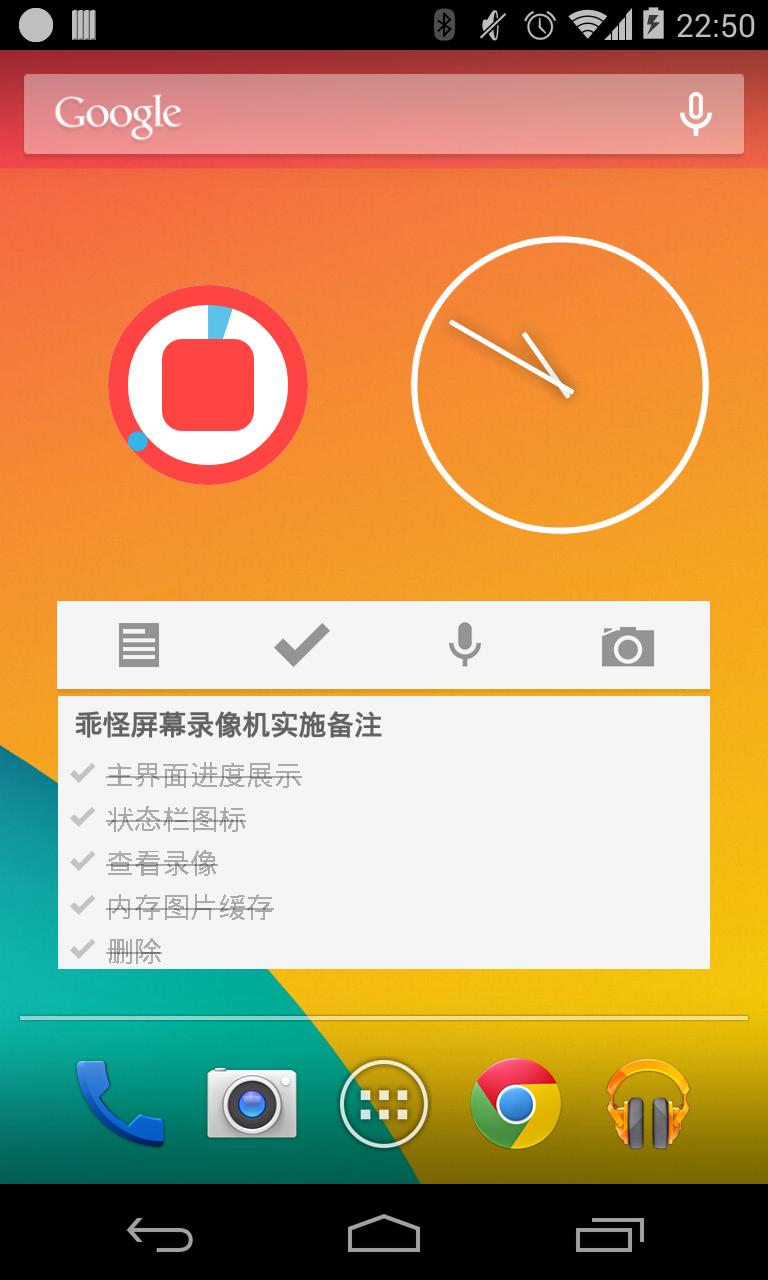
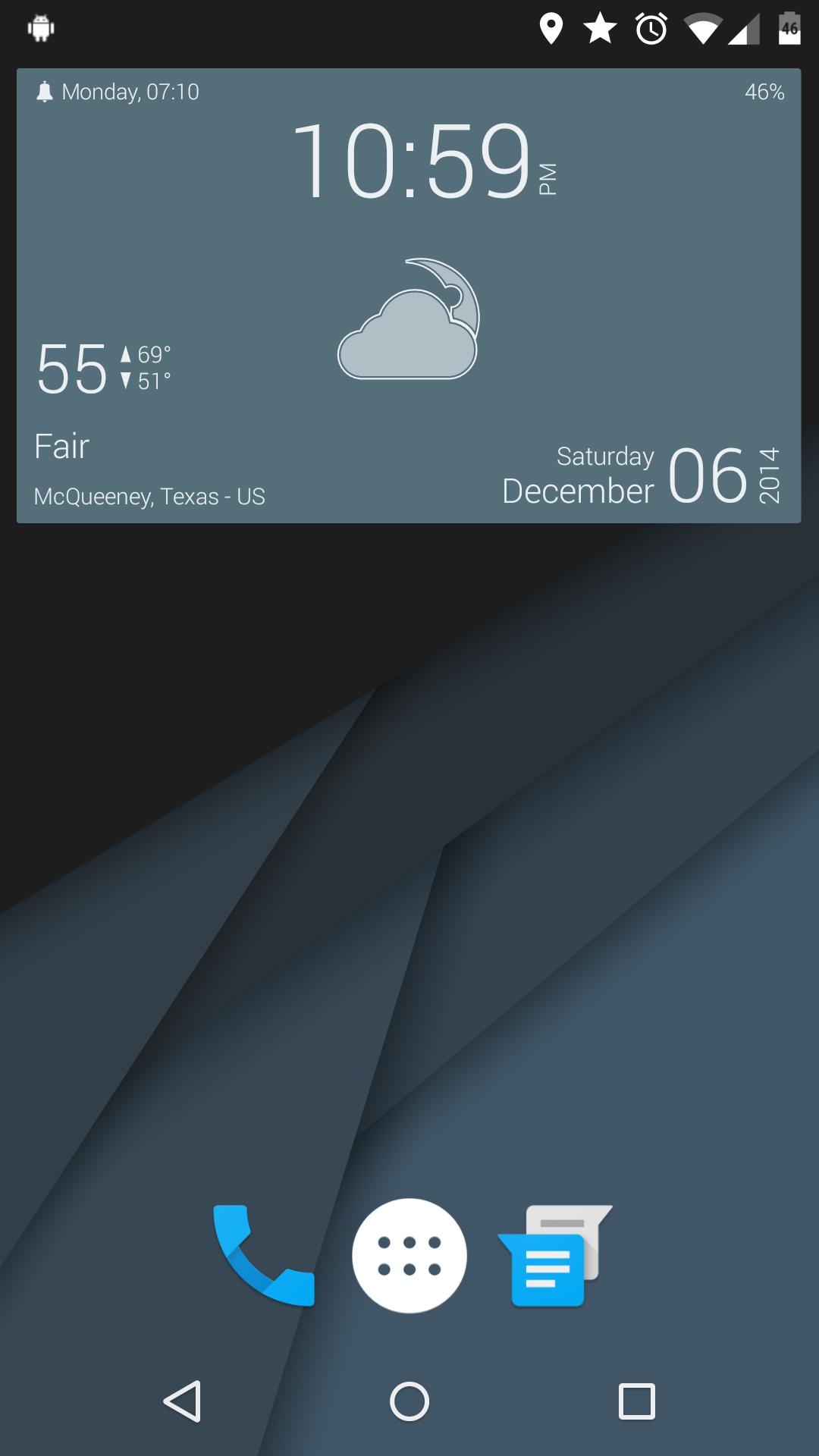
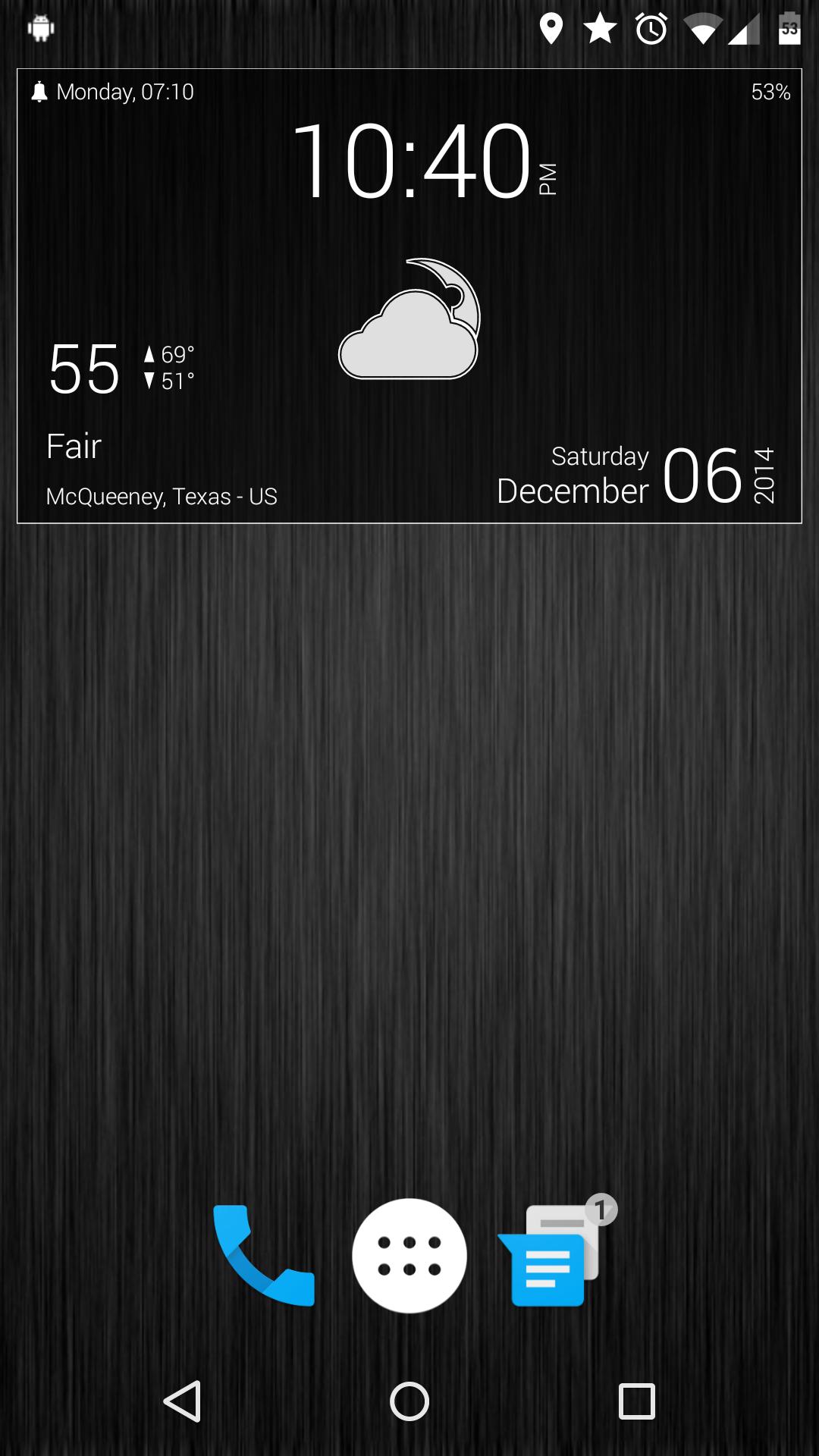
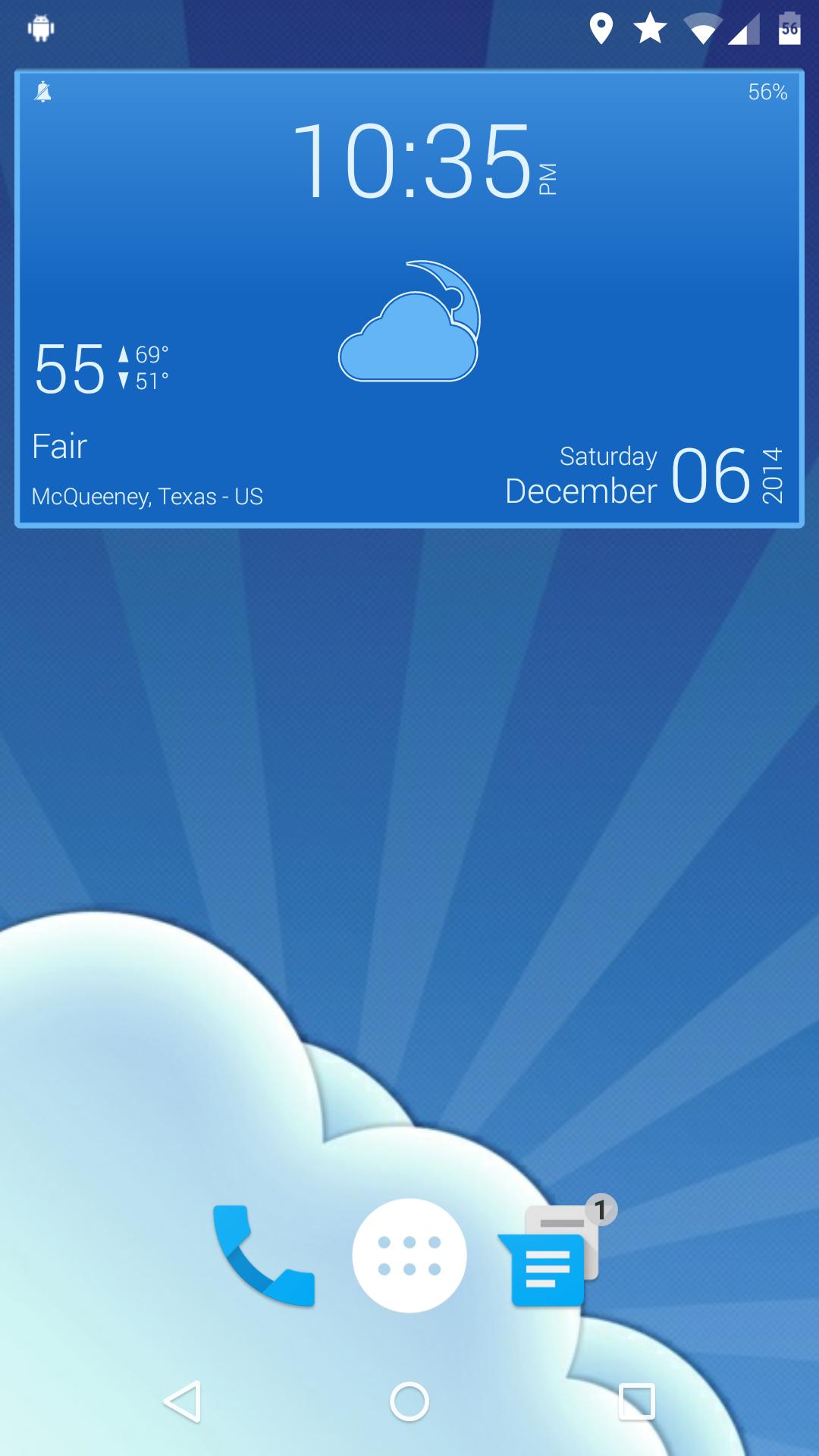
Material style Komponents and Wallpapers for Kustom Live Wallpaper Pro
LolliClock
14 Komponents
11 Wallpapers
Requirements:
Kustom Live Wallpaper Pro (Must upgrade to Pro to use external skins) - http://goo.gl/T0Ps55
Setup:
Once installed open the wallpaper chooser by long pressing on the desktop or by using menu from the desktop. Once the wallpaper chooser is open select Kustom from the Live Wallpapers section/tab. Tap "Load Preset" and then tap "LolliClock". Once here you can choose which one you would like to use. Tap on the one you've chosen. You'll see it say "Preset Loaded". Tap the back button. Go to Advanced edit and click the + sign to add a Komponent. From the list select "LolliClock" and pick one of the clocks you wish to use. Tap "Set wallpaper" and that's it! I hope you enjoy my creation!
Help:
Need help? Please, email me or stop by our Google+ community. http://goo.gl/27WF8l
Credit:
Soft Elements Weather Komponent was used in the creation of this skin. You can find it here: http://goo.gl/65sKNr
Get free Primogems, Mora, Experience, and more with these November 2024 Genshin Impact codes, 5.1 livestream codes, and find out how to redeem active codes.
If you are bored with playing the vanilla version of Metaphor ReFantazio, you can check out these five mods.
Struggling with your submissions for Roblox's The Haunt event in 2024? Check out our guide on using Dress to Impress to create your captures!
Our walkthrough for Dragon Age: The Veilguard with some handy tips and tricks, with guides for puzzles, bosses, companions, equipment, romance, and more!
Which faction should you pick in Dragon Age: The Veilguard?
Looking for some bonus resources in Sea of Conquest: Pirate War? We’ve got you covered with these codes for the latest seafaring freebies.
On our website, you can easily download the latest version of LolliClock - Kustom LWP Pro! No registration and SMS required!